Use cases · Updated
Make a ringtone online from an MP3 or WAV clip
Pick a recognizable passage from your own music or recording, preview it, and save a new clip. Sonic Cutter trims existing MP3 and WAV files; setting a phone ringtone is a separate step on your device.
Open audio cutter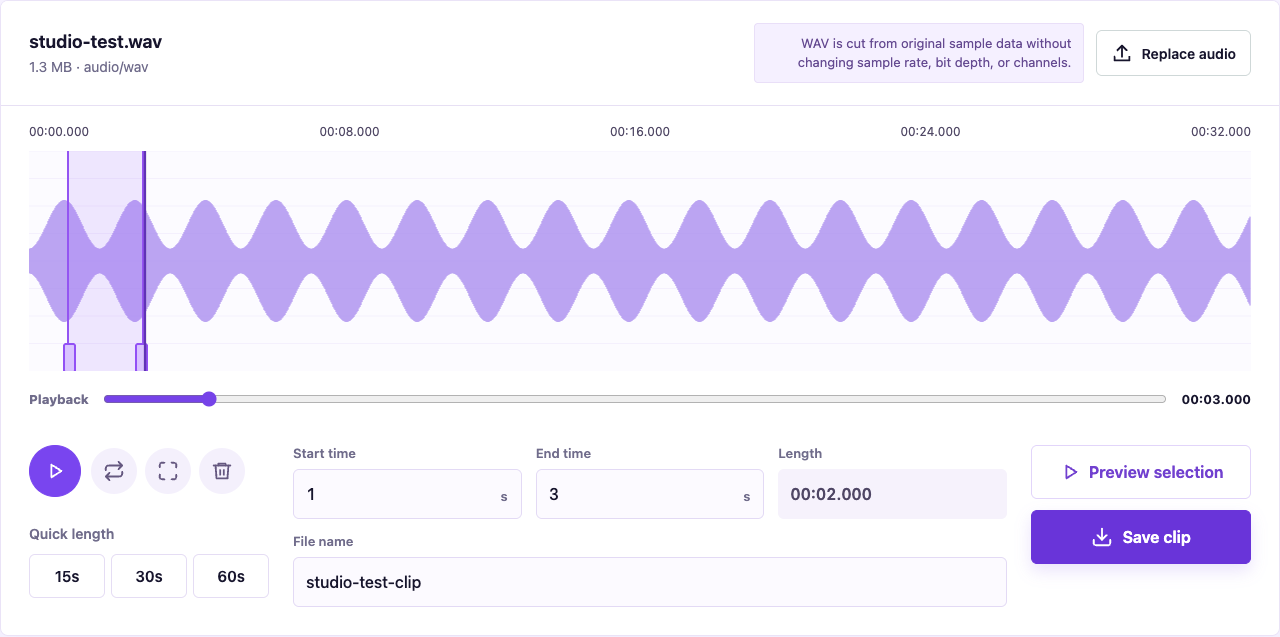
Choose a passage with a clear beginning
Try a 15- or 30-second passage, then adjust it for your device and purpose. For example, 00:45 to 01:00 makes a 15-second selection. Listen for the first note and the end of the vocal line before saving. These are editing examples, not ringtone limits for every phone.
Keep the source format
An MP3 input produces MP3; WAV produces WAV. The cutter does not convert the clip into an iPhone ringtone format. MP3 cuts align to existing audio frames; WAV cuts align to sample blocks, so saved boundaries may differ slightly. Cutting does not restore lost detail, add fades, or change volume.
Set the ringtone on your phone
Android file selection and supported formats vary by device; see Google's Pixel sound settings. For iPhone, follow Apple's GarageBand ringtone workflow. Check that the clip plays on your device before importing it. M4R conversion is not available in this tool.