Use cases · Updated
Trim podcast clips, interviews and lecture recordings
Save a complete interview answer or one explanation from a lecture by locating the speech and selecting a continuous range. Sonic Cutter handles single excerpts, without transcription, noise reduction or joining separate clips.
Open audio cutter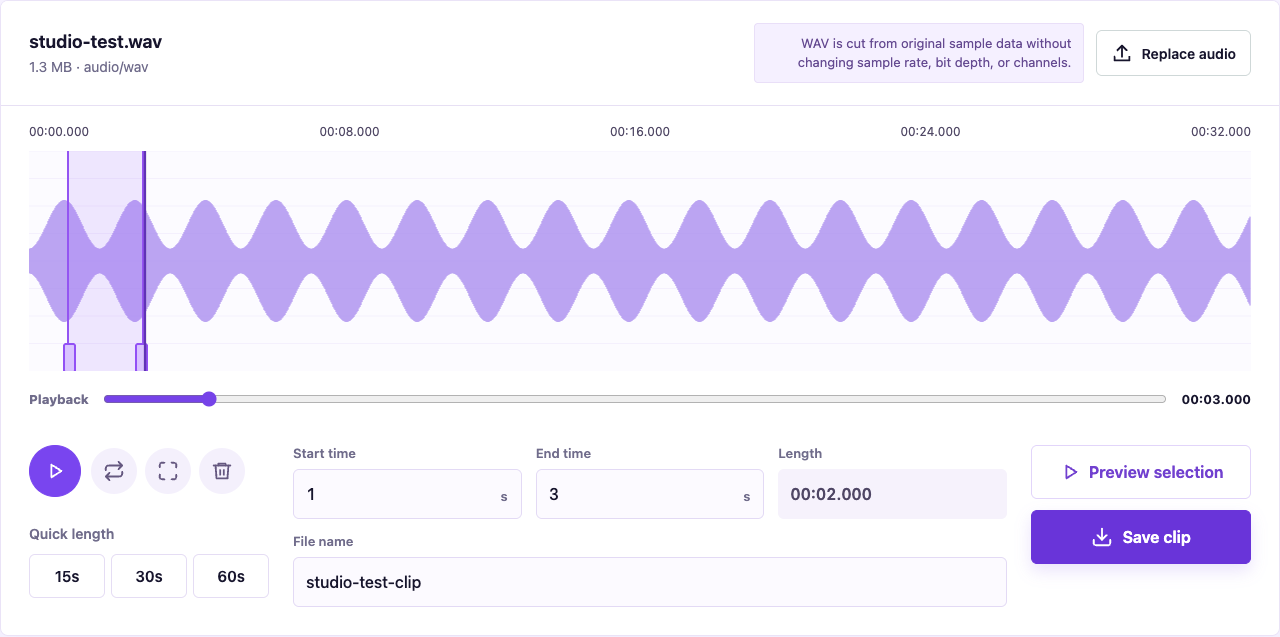
Keep the full sentence and its context
Note the start and end in the original recording. For an answer from 12:10 to 12:42, start with that range and listen again, leaving room for the opening breath and closing pause. A short clip should still preserve the meaning of the original answer.
Allow memory for longer recordings
Audio does not upload, but the browser still reads the file and decodes its preview. Long recordings can load slowly on a phone, and switching apps can interrupt work. Use a computer with more available memory for large recordings, retain the source, and check the exported file.
Choose between sharing and further editing
An existing MP3 clip is generally easier to transfer to a platform that accepts MP3; WAV is useful for further editing. Trimming preserves existing encoded or sample data without changing channels or sample rate. It does not turn a compressed MP3 into a higher-quality WAV.